Select By Category
Quickly build a selection in the active view by category. Filter the list, check one or more categories, then select matching elements. You can keep this window open and continue interacting with Revit-pan/zoom the view and refine the category list-then run Select again.
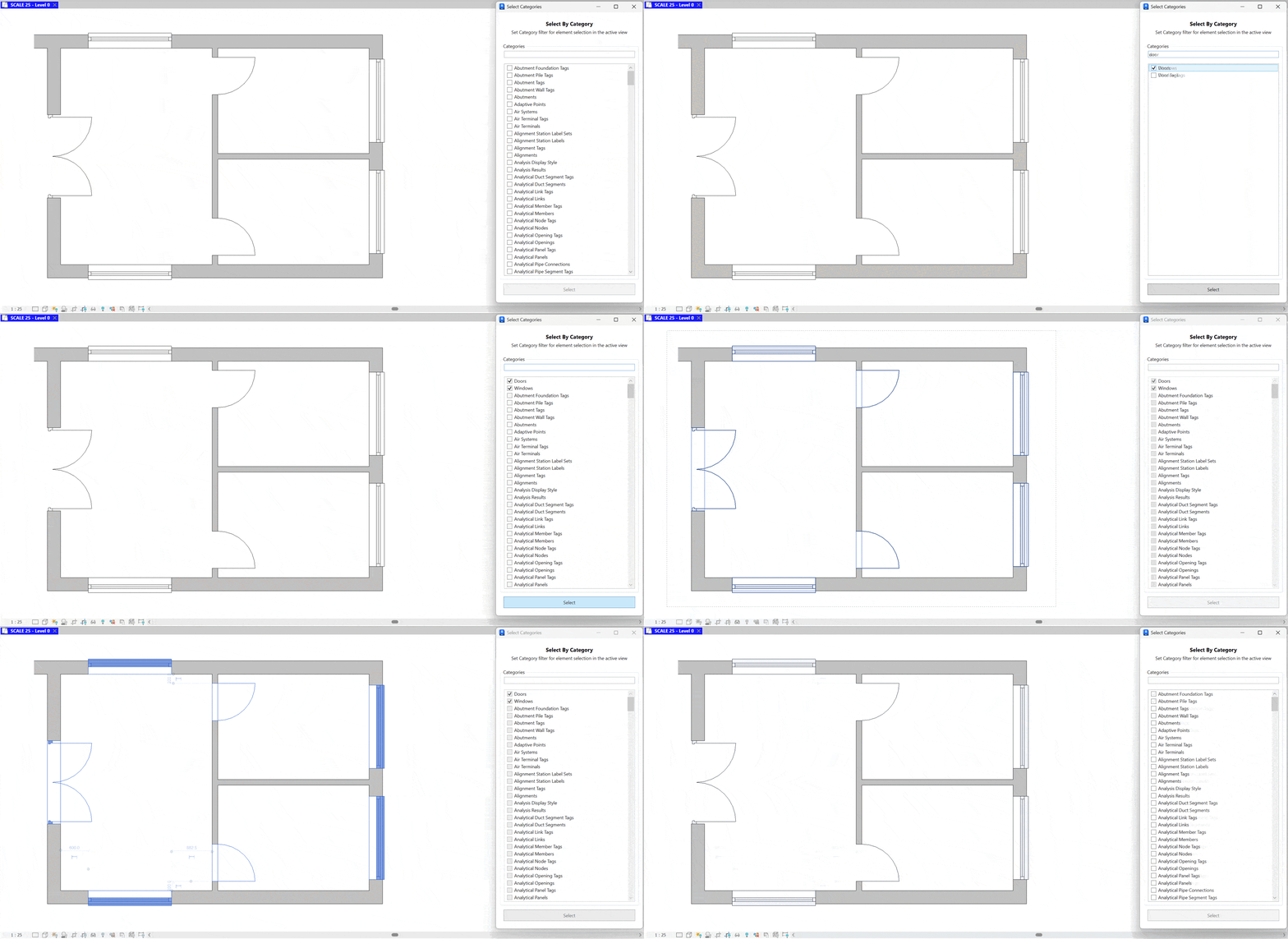
- Search. Use the search box to filter the categories list by name.
- Choose categories. Check one or more categories to include. The Select button enables when at least one category is checked.
- Select. Click Select to select all elements of the checked categories in the current (active) view.
- Refine and repeat. Adjust the checked categories or search term and click Select again to update the Revit selection.
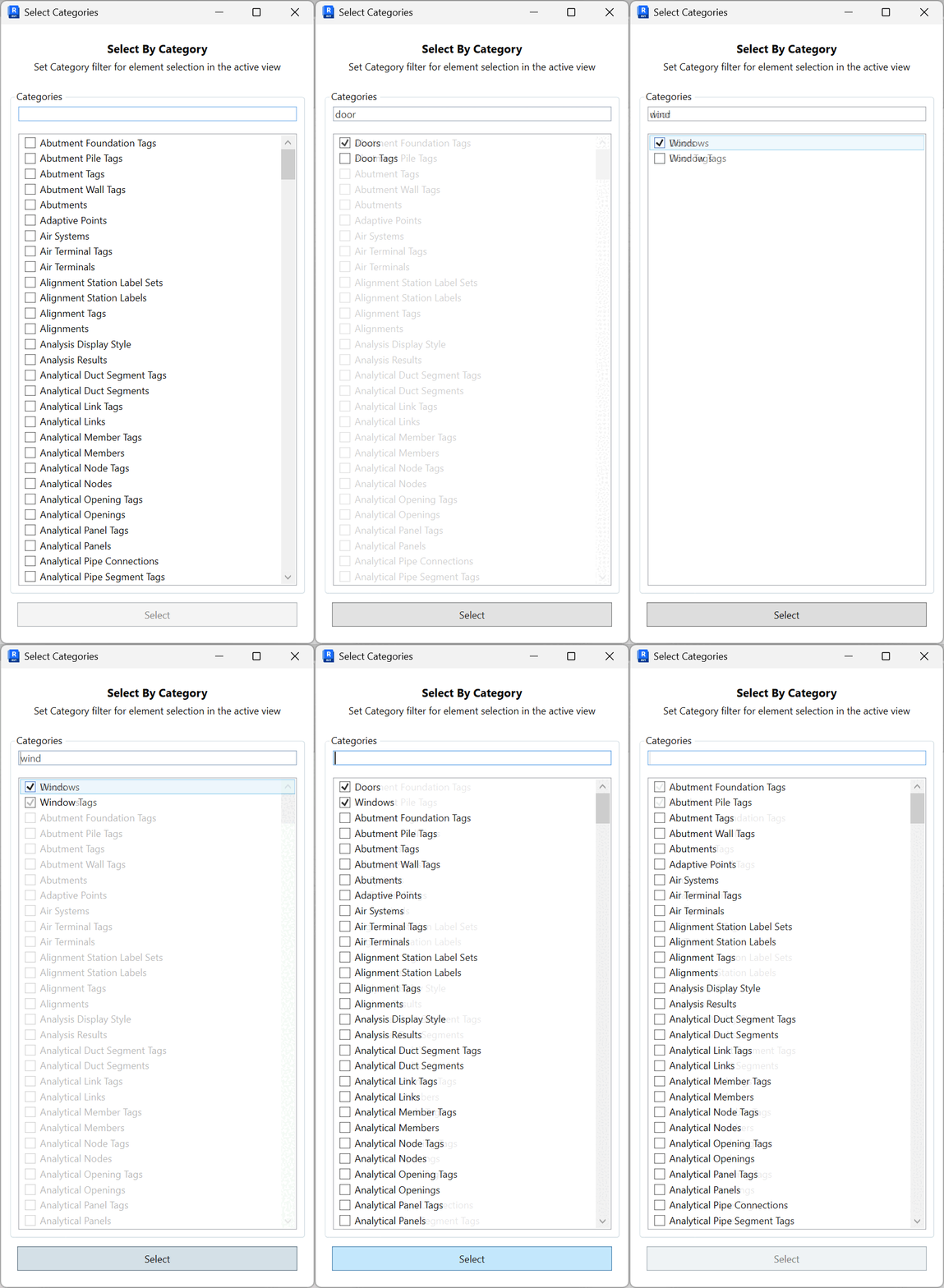
Notes: The selection is limited to elements visible in the active view and belonging to the checked categories.