
Annotations and Selection
Align Plus
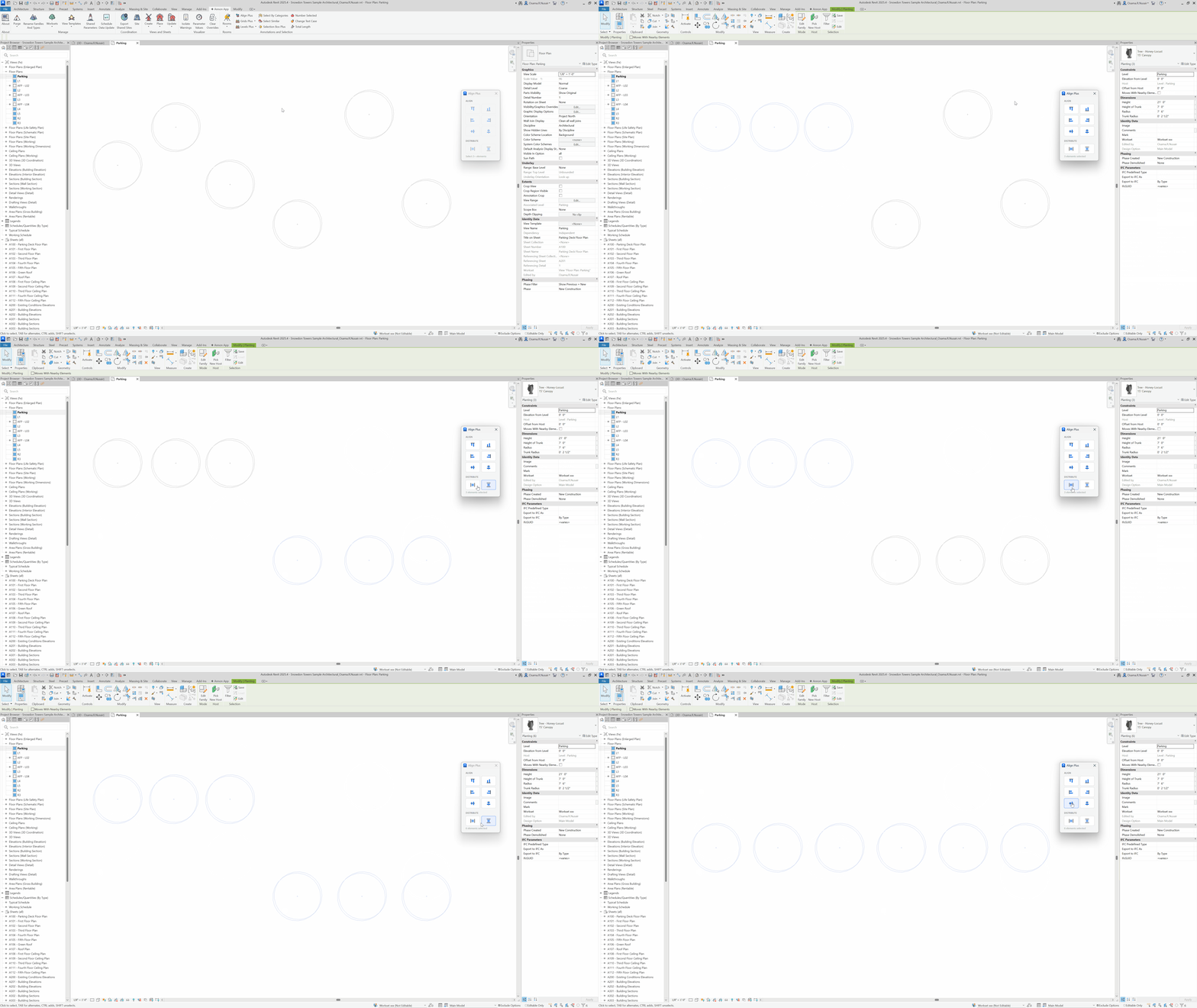
Align or distribute the current Revit selection from a small floating panel that stays open.
When to use it
Use this when tags, text, generic annotations, or other movable elements should line up or space evenly - especially on sheets and drafted views.
Why it exists
Revit’s Align tool is one pair at a time. Align Plus treats the selection like a layout: left, right, top, bottom, centers, or distribute.
How to use it
-
Select two or more elements
Preselect in Revit, or change the selection while the panel is open. The selection count on the panel updates live.
-
Open Align Plus
On the ✚ Annon App tab, click Align Plus. The window is modeless - you can pan, zoom, undo, and keep selecting.
-
Choose an action
Align: Top, Bottom, Left, Right, Center Horizontal, Center Vertical. Distribute: Horizontally or Vertically between the outer items.
-
Repeat
Run several operations in sequence. Use Revit Undo to step back one change.
Keep in mind
- Only position is changed - no rotation or scale.
- Works with elements that can be moved in the active view.
Related tools
 Change Text Case
Change the case of selected text notes and optionally clean spaces and line breaks.
Change Text Case
Change the case of selected text notes and optionally clean spaces and line breaks.
 Number Selected
Write sequential values into a chosen parameter by click order or along selected lines.
Number Selected
Write sequential values into a chosen parameter by click order or along selected lines.
 Select Similar
Select elements that match a picked sample by category, family, or type, in this view or the entire project.
Select Similar
Select elements that match a picked sample by category, family, or type, in this view or the entire project.